
Latest Updates
News Archive
Here you’ll find details of each major update to our Rainbow Analyst spreadsheet audit Excel add-in. And to keep in touch, you can also follow our Facebook page.

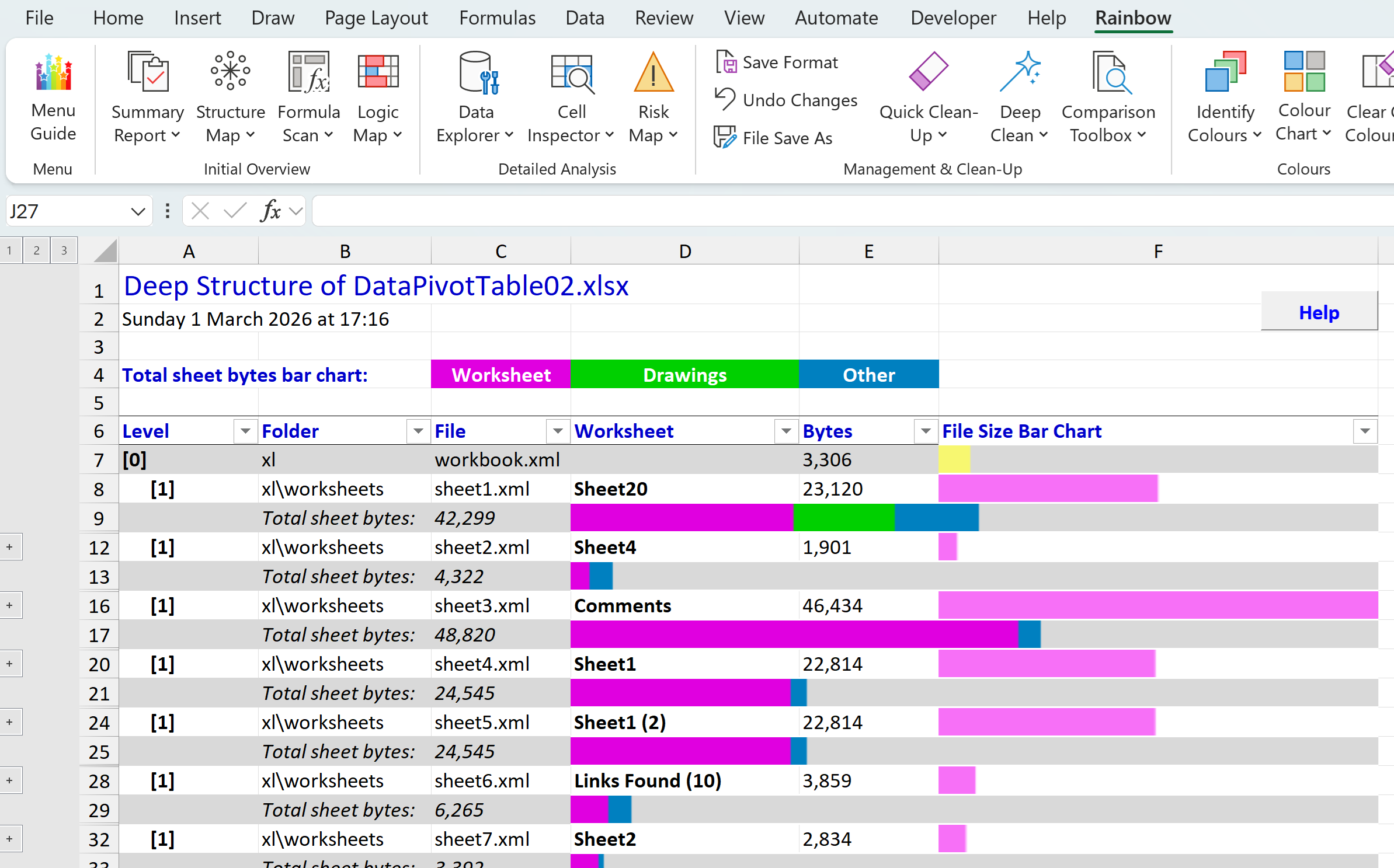
Deep Structure report and installation clean-up
In our last post we introduced the new Deep Structure function in Rainbow, which you’ll find on the menu under Summary Report. This lets you see at a glance which are the largest worksheets (tabs) in your workbook, and what sort of content each worksheet holds. And…
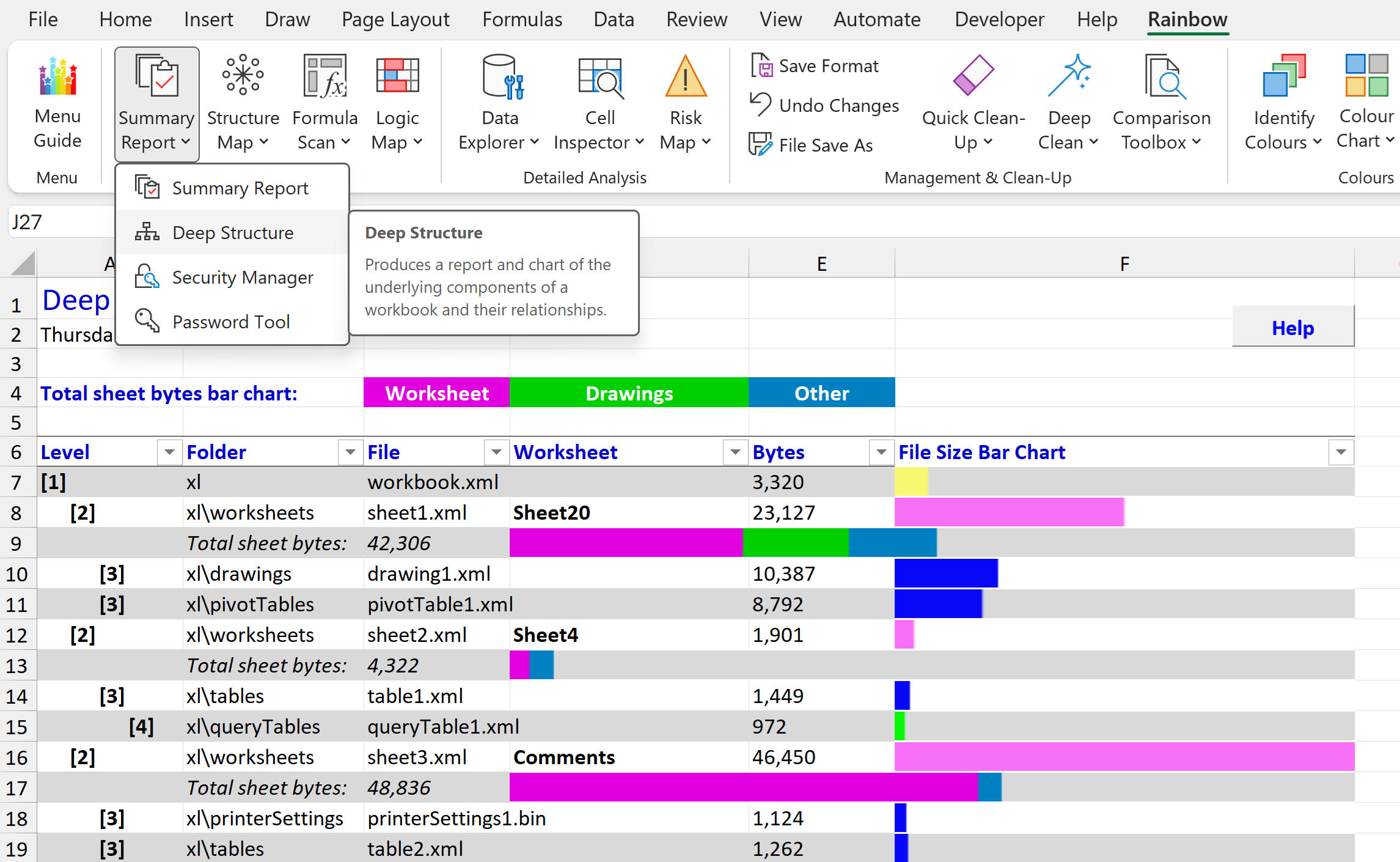
Rainbow 26.02 reveals what’s buried in your workbook
Did you know that there’s a completely different way of looking at an Excel spreadsheet? And that it can show you information that you didn’t know was there, helping you avoid disastrous errors like the leak of data about Afghan personnel in 2022 that was…

See a logic map of your whole workbook with Rainbow 25.01
There’s been a Logic Map function in Rainbow for some time, showing you very useful information about which cells are inputs (i.e. other calculations depend on them, but they themselves are not calculated), which cells are workings (i.e. they are calculated, and…
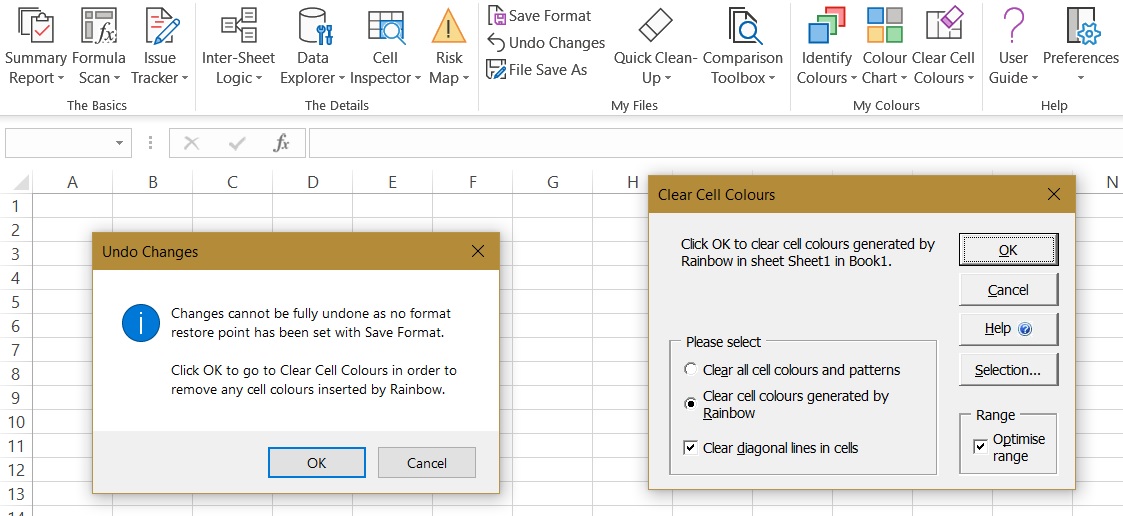
Quickly undo changes with Rainbow 11.2
Rainbow has offered an Undo Changes function for many years, and we made it much more visible in the recently redesigned menu (in version 11.0). However, as you probably know, it was only able to operate if you had already used the Save Format function to create a…

Fix merged cell problems with Rainbow 11.1
If you ask any professional Excel developer about merged cells, they will almost certainly say something that can’t be repeated here! Merged cells can produce incorrect calculation results, prevent sorting and filtering in data tables, cause errors in macros,…

Manage all your spreadsheets with Rainbow 11.0
You may have already noticed that with the release of Rainbow version 11.0 there are now two editions of Rainbow that you can download from our Home page: Rainbow Analyst Professional (Rainbow Pro) and Rainbow Governance. And if you download Rainbow Governance after…
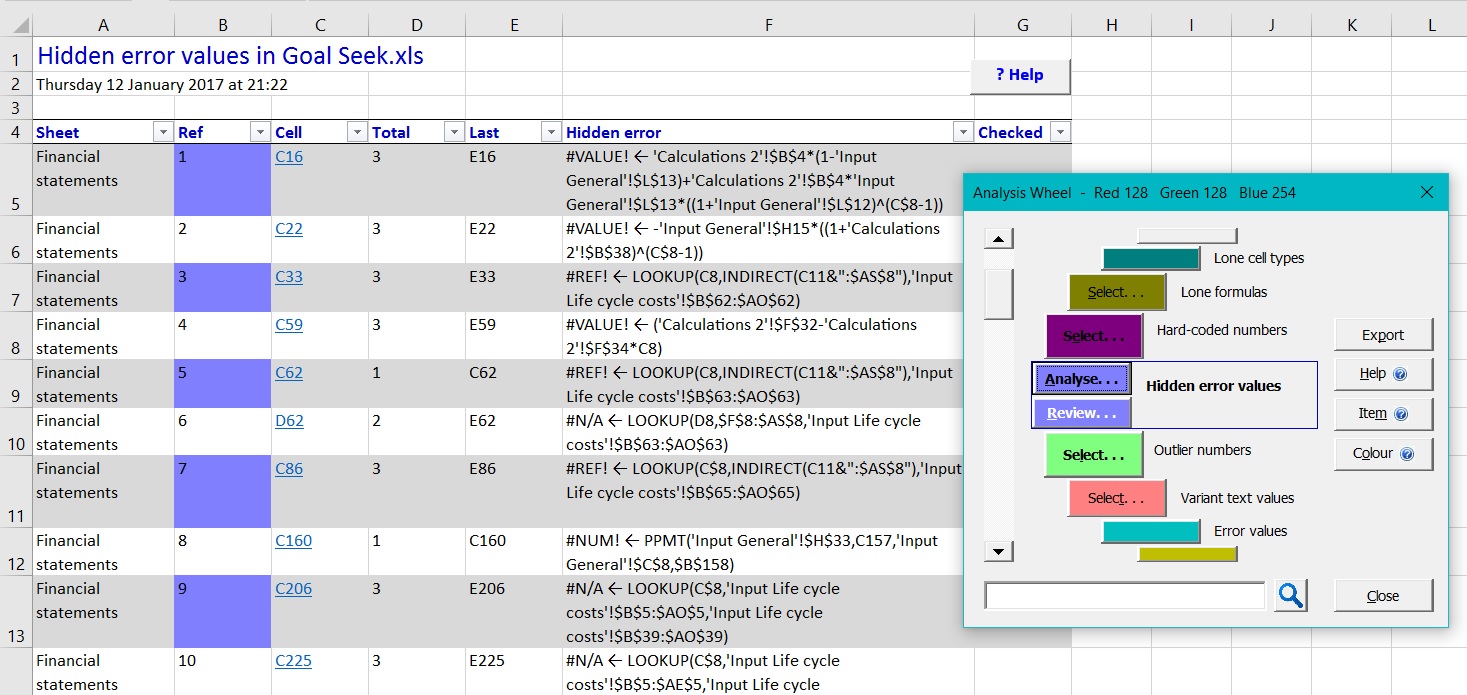
Find more hidden errors with Rainbow 10.1
Rainbow has always been about finding hidden errors, and version 10.1 introduces a new analysis option (in Risk Map and Formula Scan) that detects error values lurking hidden in your IF() statements. A simple example would be where cells B3 and B4 contain the value 0,…
Rainbow 10.0 adds perpetual licence
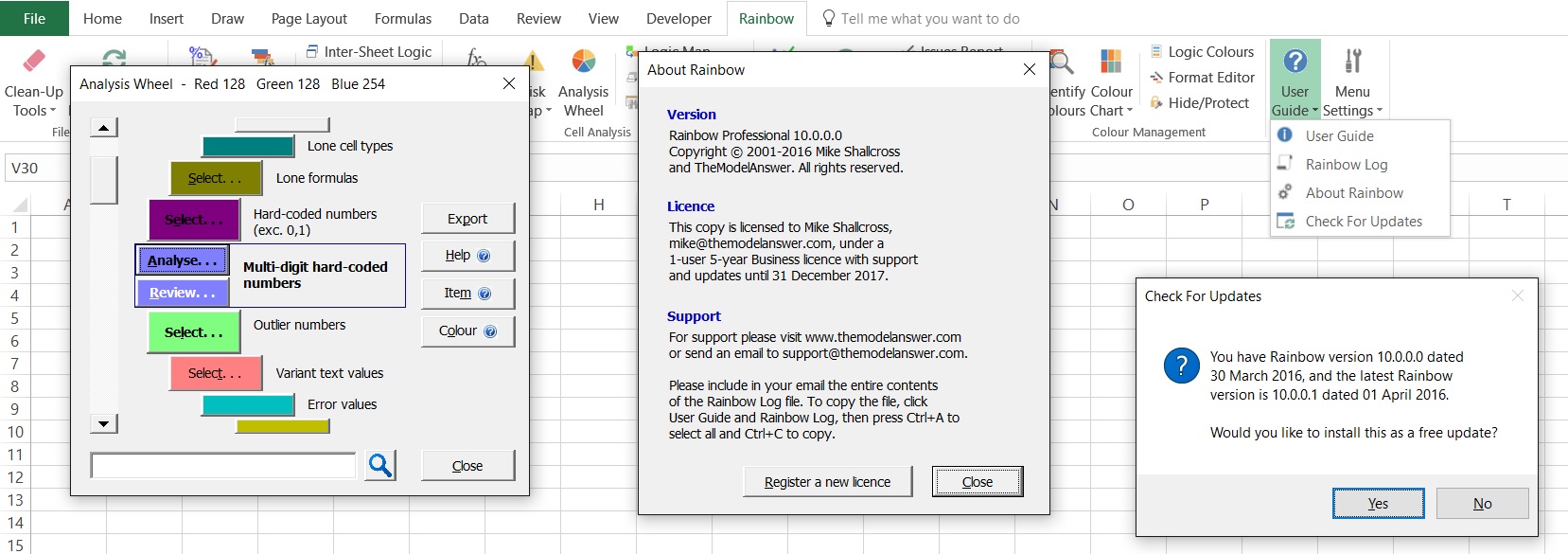
For Rainbow 10, we’ve responded to requests from a number of users for Rainbow to include a perpetual licence. So all Rainbow version 10 licences will now allow you to continue using the same version of Rainbow even after the licence period has expired (but you…
Rainbow 9.2 saves time for your team
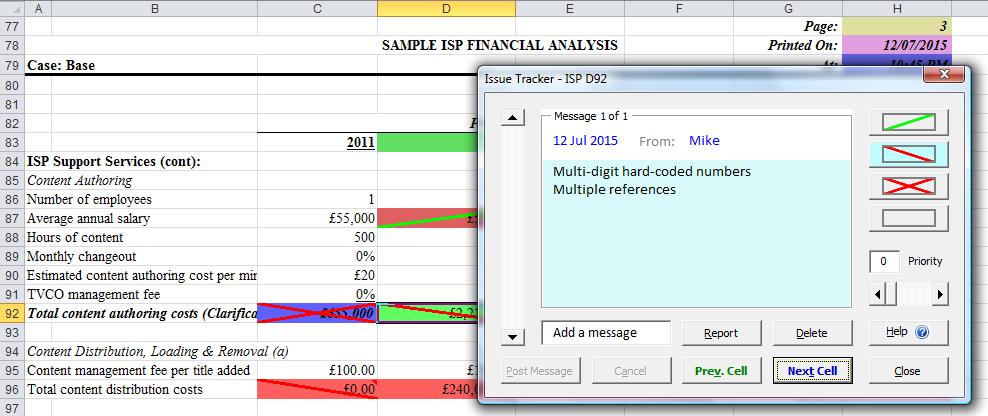
With Rainbow 9.2 we’ve built on the behind-the-scenes changes in version 9.0 to deliver significant new front-end capabilities: We’ve integrated Rainbow’s in-depth testing capabilities (in Risk Map and Logic Analysis) into the Formula Scan function…