by Mike Shallcross | Oct 4, 2021 | News
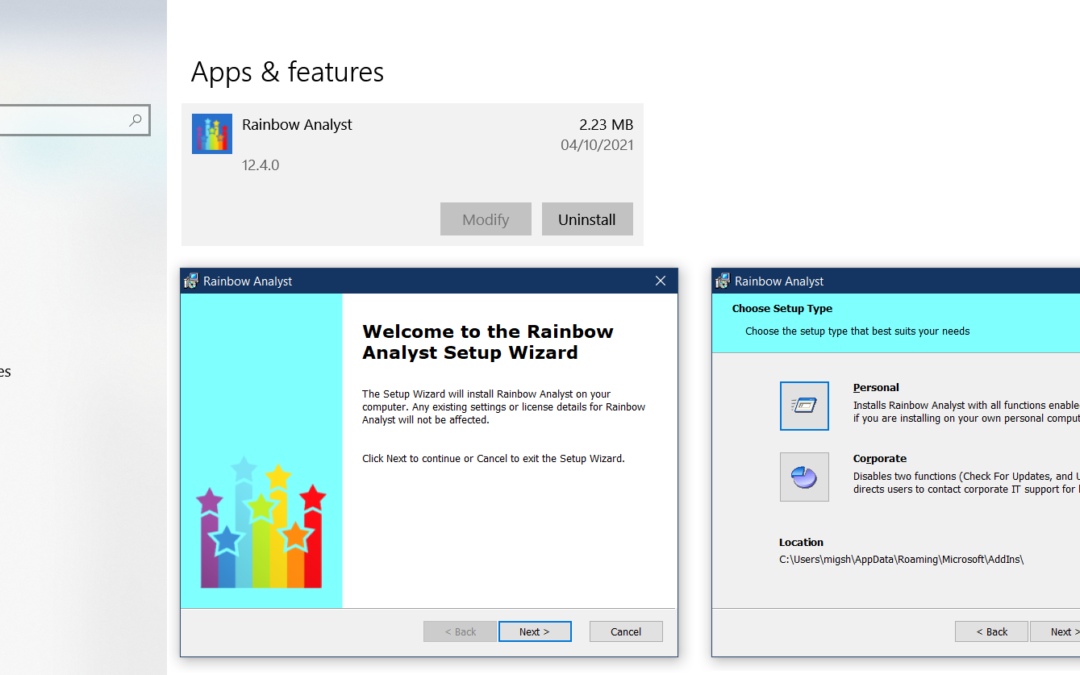
For 12 years Rainbow didn’t have an installer; you had to install the add-in file (RainbowPro.xlam) yourself, which in fact you can still do. Then in 2013 we realised that not all spreadsheet users are techie types, and so we used some proprietary third-party...

by Mike Shallcross | Aug 3, 2021 | News
Most of us know that sinking feeling of looking at an old spreadsheet where the sheets or the workbook structure are password-protected, and realising that we have absolutely no idea what is the correct password! And if you can’t unprotect some or all of the...

by Mike Shallcross | May 3, 2021 | News
In Rainbow 12.2 we’ve focused on spreadsheet calculations, with two new features. One gives you precise control over how you run calculations, and the other lets you see how calculations are repeated throughout a spreadsheet. The new Calc Manager function lets...
by Mike Shallcross | Jan 22, 2021 | News
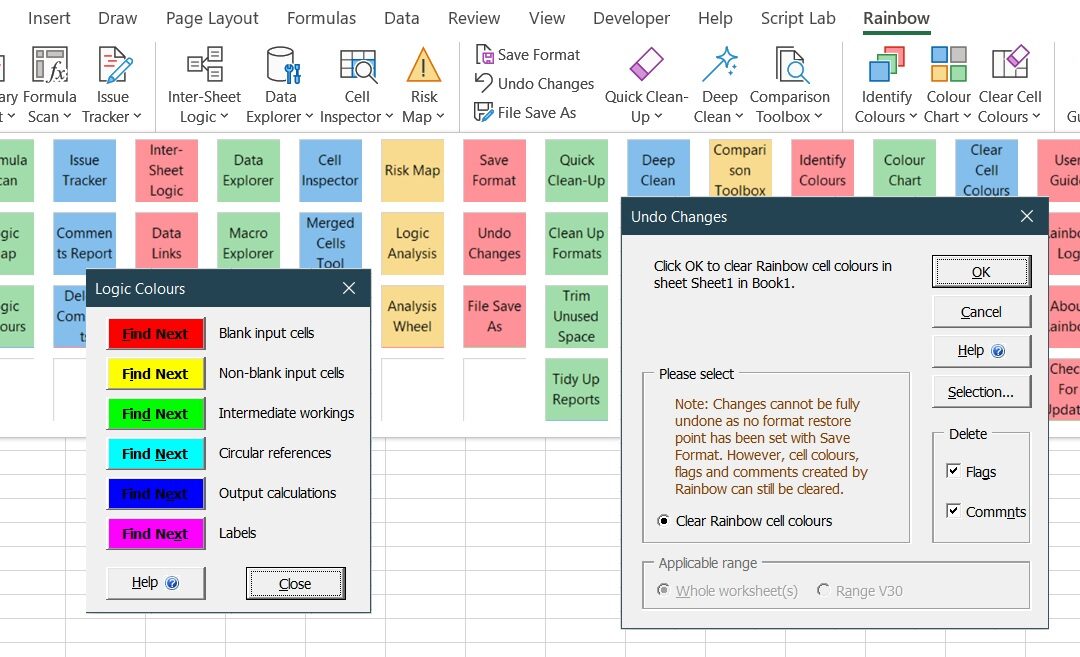
We’ve been thinking for a while about how to make it easy to find all Rainbow’s functions, even the ones hidden away under the buttons on the Rainbow tab. And we’ve now found a way to do this with a new easy menu system that works seamlessly within...

by Mike Shallcross | Aug 18, 2020 | News
In version 12 of Rainbow we’ve added several new risk analysis options to the Risk Map function. We’ve done this by moving some “mapping” options from the last Risk Map tab across to the Logic Analysis function (see previous post). And...
by Mike Shallcross | Jul 15, 2020 | News
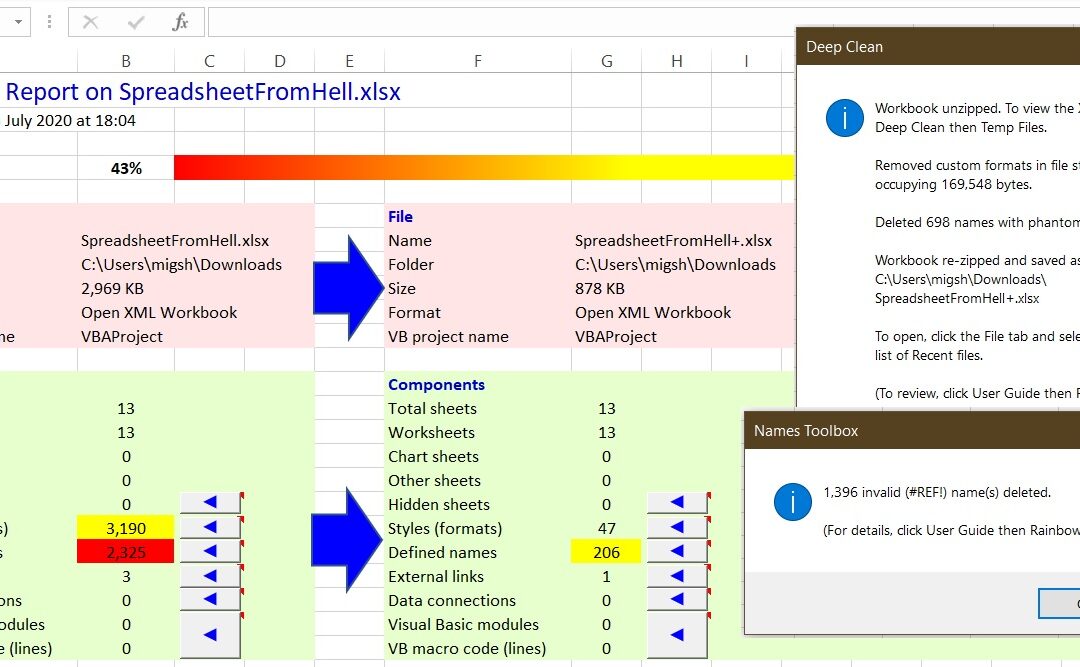
Have you ever had that sinking feeling when a colleague sends you a spreadsheet with the request to “just take a quick look at this”? And you find the spreadsheet takes ages to open, seems to have lots of strange links (although Excel lists only a few on...
