
by Mike Shallcross | Sep 30, 2023 | News
Rainbow’s Formula Scan function lets you see instantly where there are inconsistent formulas that differ from the surrounding cells. So in the composite screenshot above, you can see there is a block of inconsistent formulas highlighted in red. And if you look...
by Mike Shallcross | May 19, 2023 | News
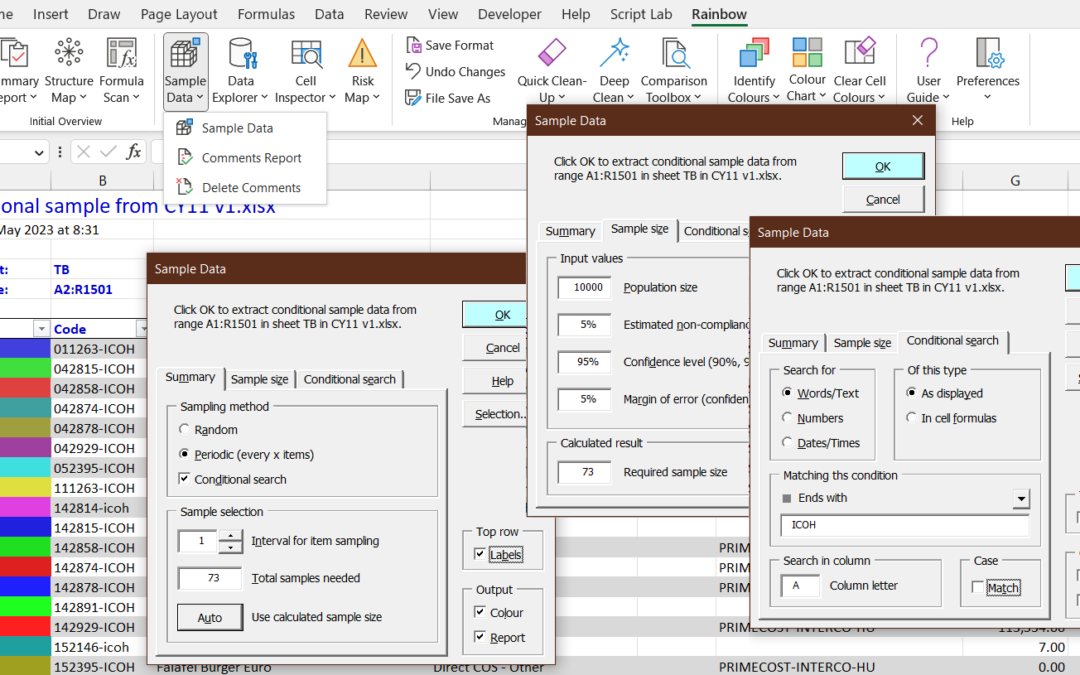
In Rainbow 12.6 we’ve introduced two new features which make Rainbow a powerful audit sampling tool. These are a new Find Cells function, and a major enhancement to the Sample Data function. The new Find Cells function gives you a powerful tool to find any of 6...
by Mike Shallcross | Mar 7, 2023 | News
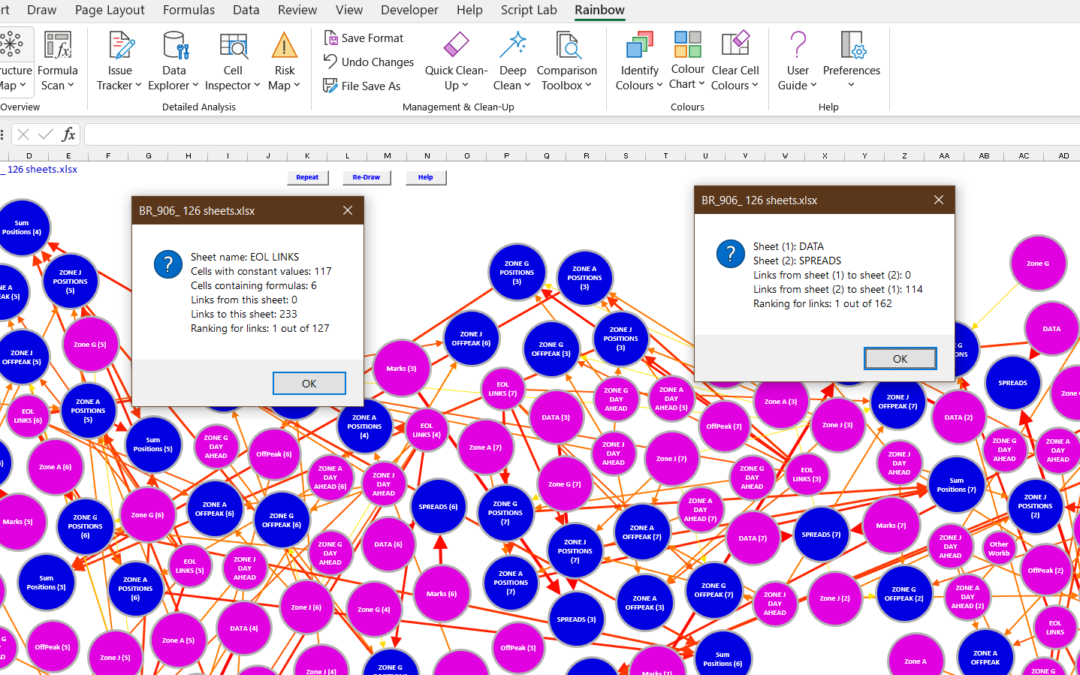
We’re very pleased with our new Structure Map function (see previous post) and its ability to visualise how a spreadsheet operates. But we didn’t discover till later that it was going to have problems with really big workbooks. So in Rainbow version 12.5.2...
by Mike Shallcross | Aug 1, 2022 | News
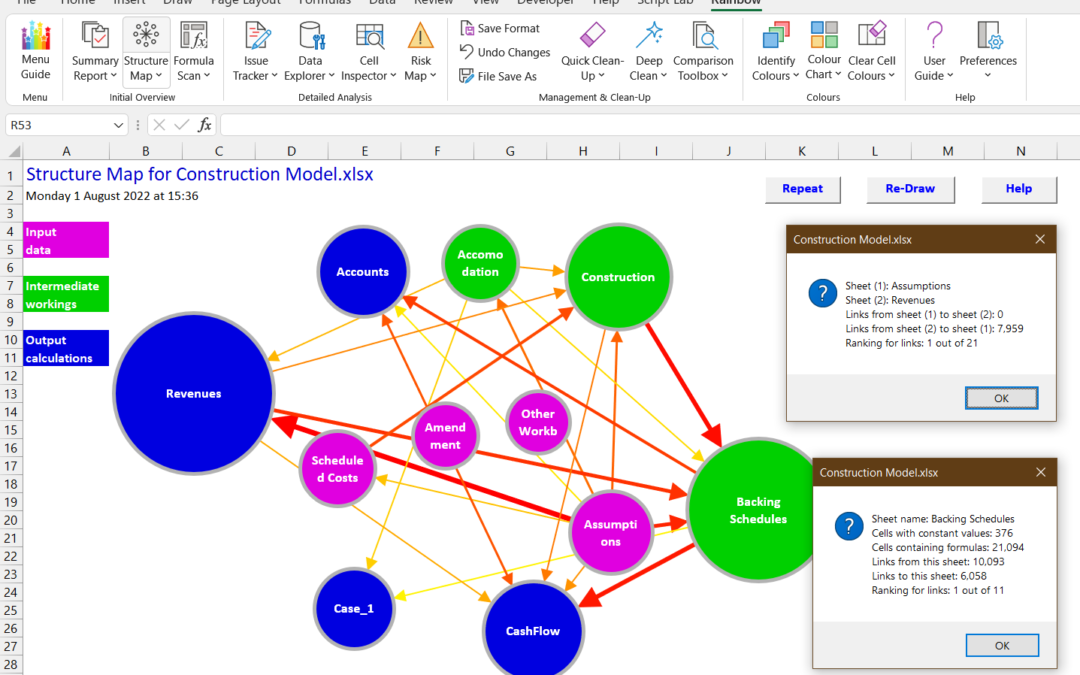
When someone sends you a spreadsheet to look at, do you ever wish there was an easy way to see what’s going on? Well, now there is, with the new Structure Map function in Rainbow 12.5. As you can see in the composite screenshot above, this gives you a simple and...

by Mike Shallcross | Apr 20, 2022 | News
Since introducing the new Menu Guide in version 12.4.2, we have been looking at how to make it even more useful. And we think we’ve now found the answer: a Menu Guide that all fits on one screen, and that’s instantly available when needed. As you can see...
