
Latest Updates
News Archive
Here you’ll find details of each major update to our Rainbow Analyst spreadsheet audit Excel add-in. And to keep in touch, you can also follow our Facebook page.

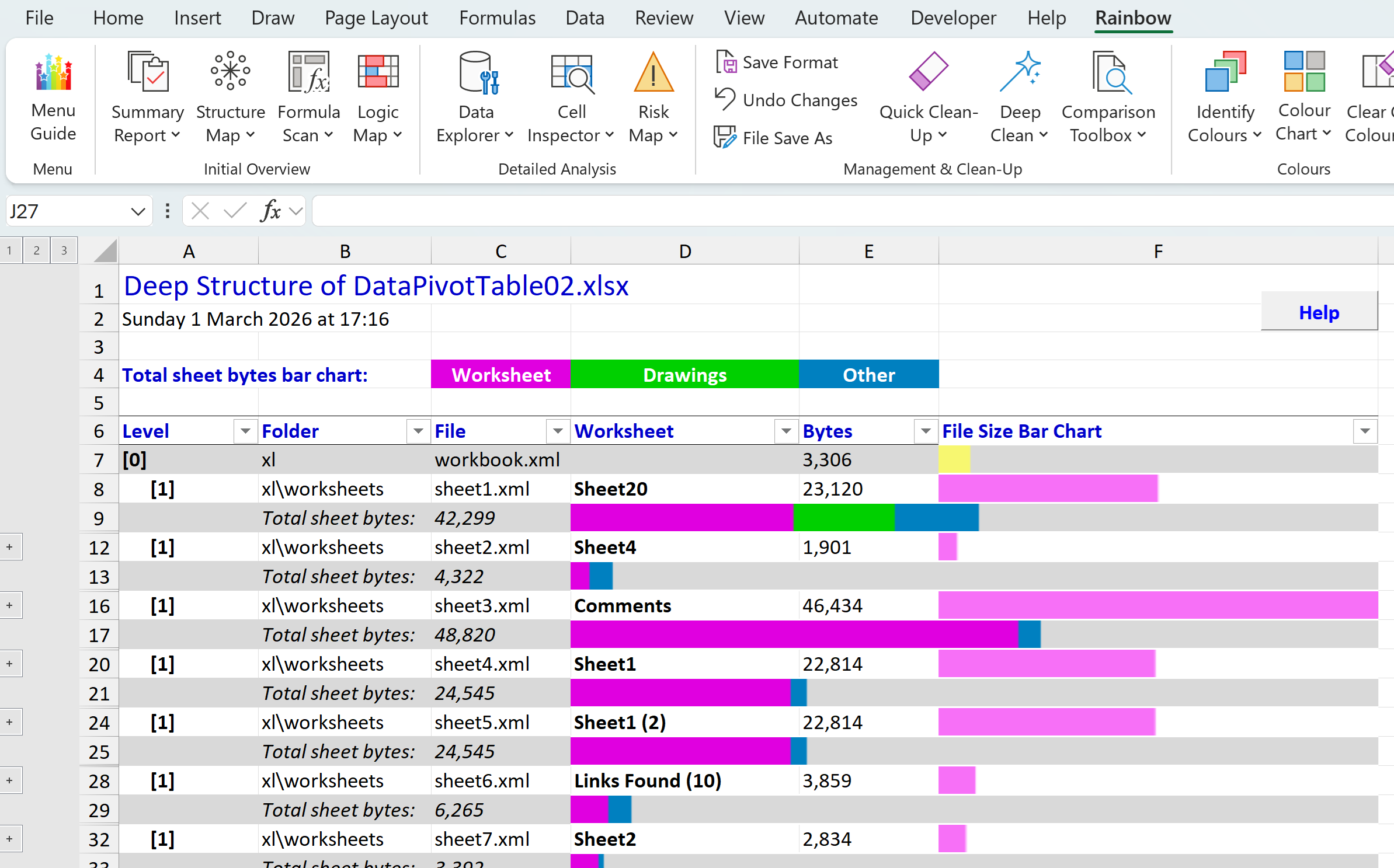
Deep Structure report and installation clean-up
In our last post we introduced the new Deep Structure function in Rainbow, which you’ll find on the menu under Summary Report. This lets you see at a glance which are the largest worksheets (tabs) in your workbook, and what sort of content each worksheet holds. And…
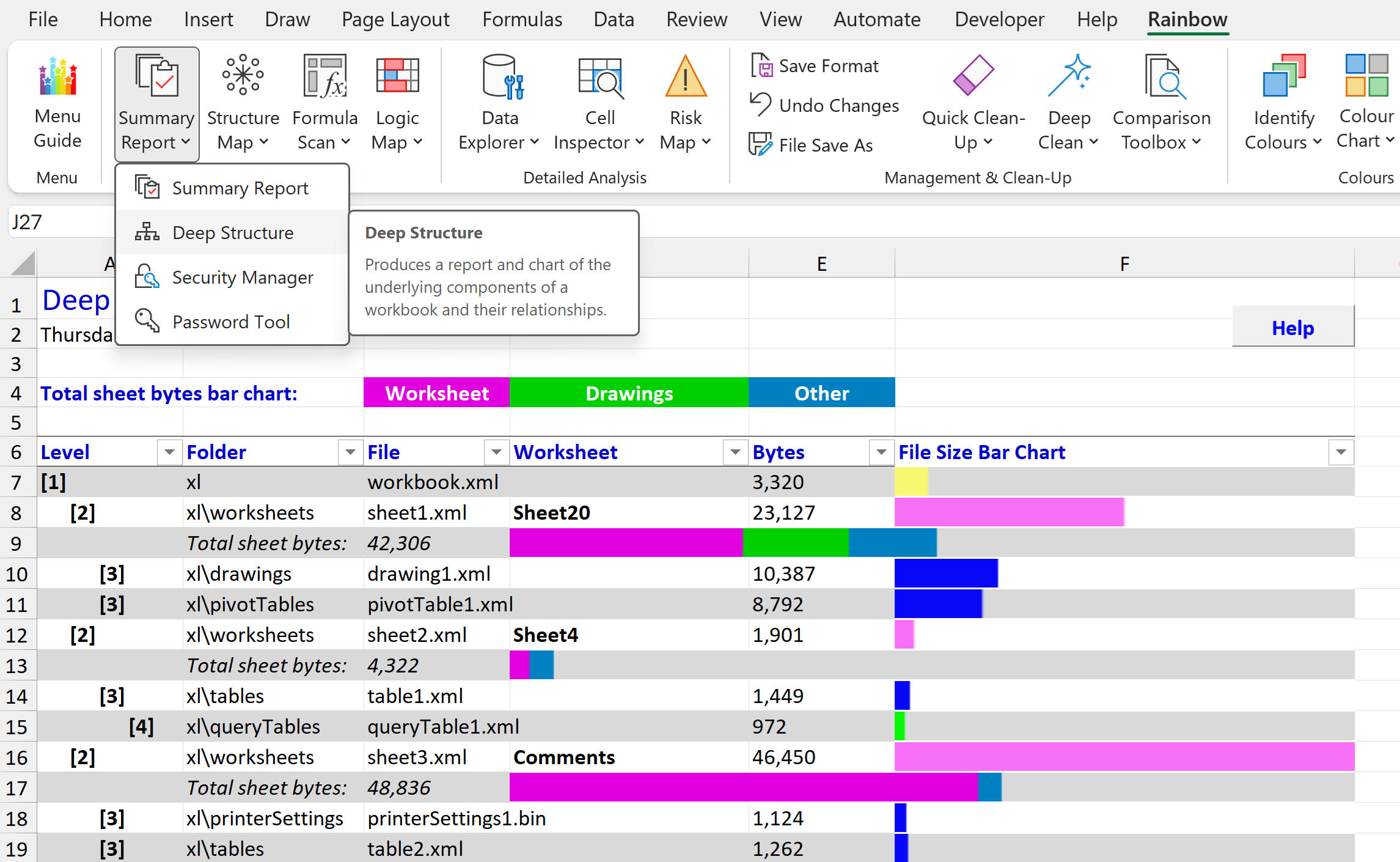
Rainbow 26.02 reveals what’s buried in your workbook
Did you know that there’s a completely different way of looking at an Excel spreadsheet? And that it can show you information that you didn’t know was there, helping you avoid disastrous errors like the leak of data about Afghan personnel in 2022 that was…

See a logic map of your whole workbook with Rainbow 25.01
There’s been a Logic Map function in Rainbow for some time, showing you very useful information about which cells are inputs (i.e. other calculations depend on them, but they themselves are not calculated), which cells are workings (i.e. they are calculated, and…
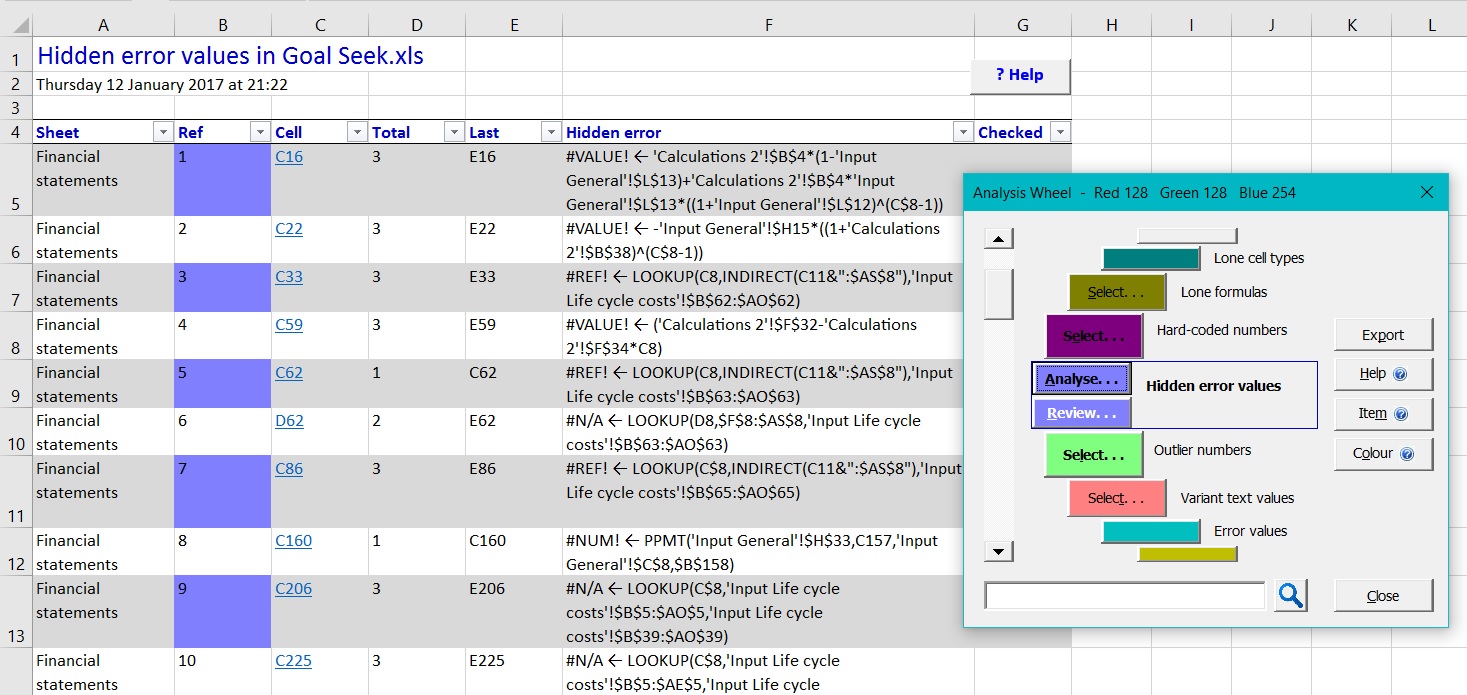
Find more hidden errors with Rainbow 10.1
Rainbow has always been about finding hidden errors, and version 10.1 introduces a new analysis option (in Risk Map and Formula Scan) that detects error values lurking hidden in your IF() statements. A simple example would be where cells B3 and B4 contain the value 0,…
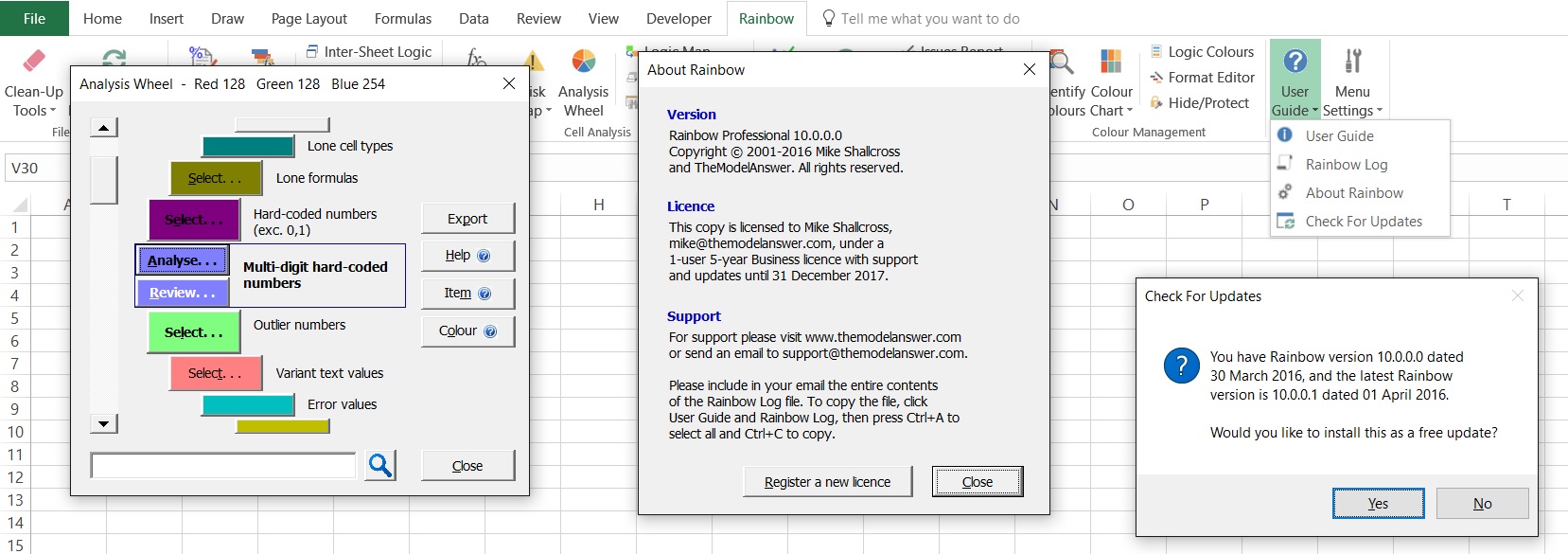
Rainbow 10.0 adds perpetual licence
For Rainbow 10, we’ve responded to requests from a number of users for Rainbow to include a perpetual licence. So all Rainbow version 10 licences will now allow you to continue using the same version of Rainbow even after the licence period has expired (but you…
Rainbow 9.2 saves time for your team
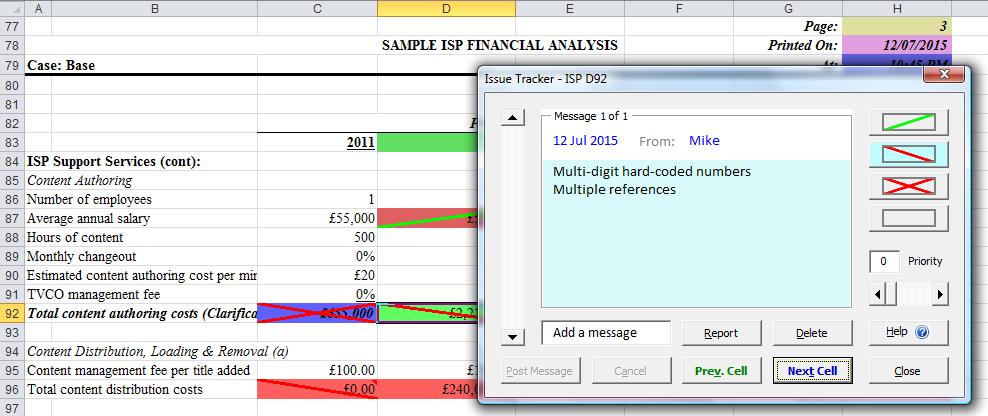
With Rainbow 9.2 we’ve built on the behind-the-scenes changes in version 9.0 to deliver significant new front-end capabilities: We’ve integrated Rainbow’s in-depth testing capabilities (in Risk Map and Logic Analysis) into the Formula Scan function…
Sniff out spreadsheet “smells” with new Rainbow 9.0
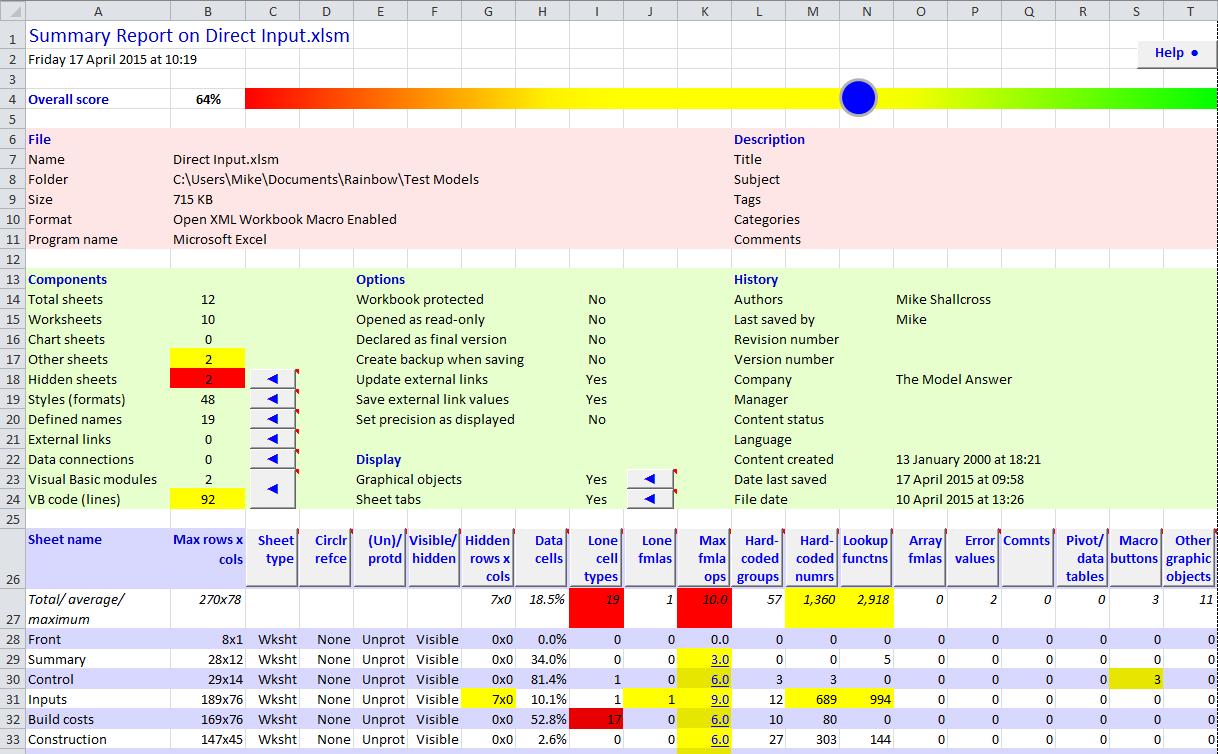
Today we’re proud to release version 9.0 of Rainbow Pro, representing perhaps the most significant upgrade for several years. The most obvious change is that the Rainbow tab on the Excel ribbon menu has a new set of icons in the “flat” style used by…

New Rainbow Pro 8.2 more intuitive than ever
We’re always looking for ways to make Rainbow Pro easier to understand and use, and in the just-released version 8.2 we’ve built on our “interactive reports” technology to deliver a whole new level of product integration. You can see this very…
Stop “Too many different cell formats” errors
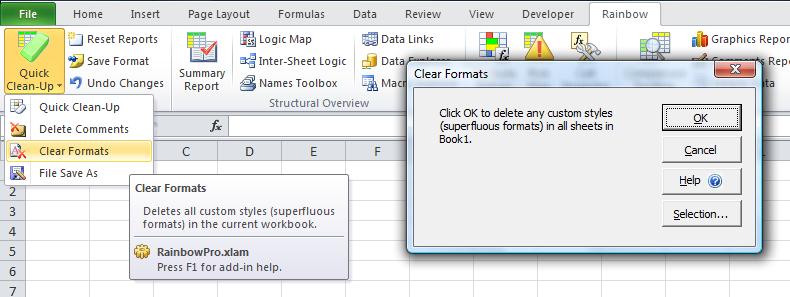
Have you encountered a “Too many different cell formats” error message? This often occurs as a result of copying or importing worksheets from one workbook into another, because by default Excel also imports all the custom styles (cell formats) from the…